Your texts with one person, bound as a book.
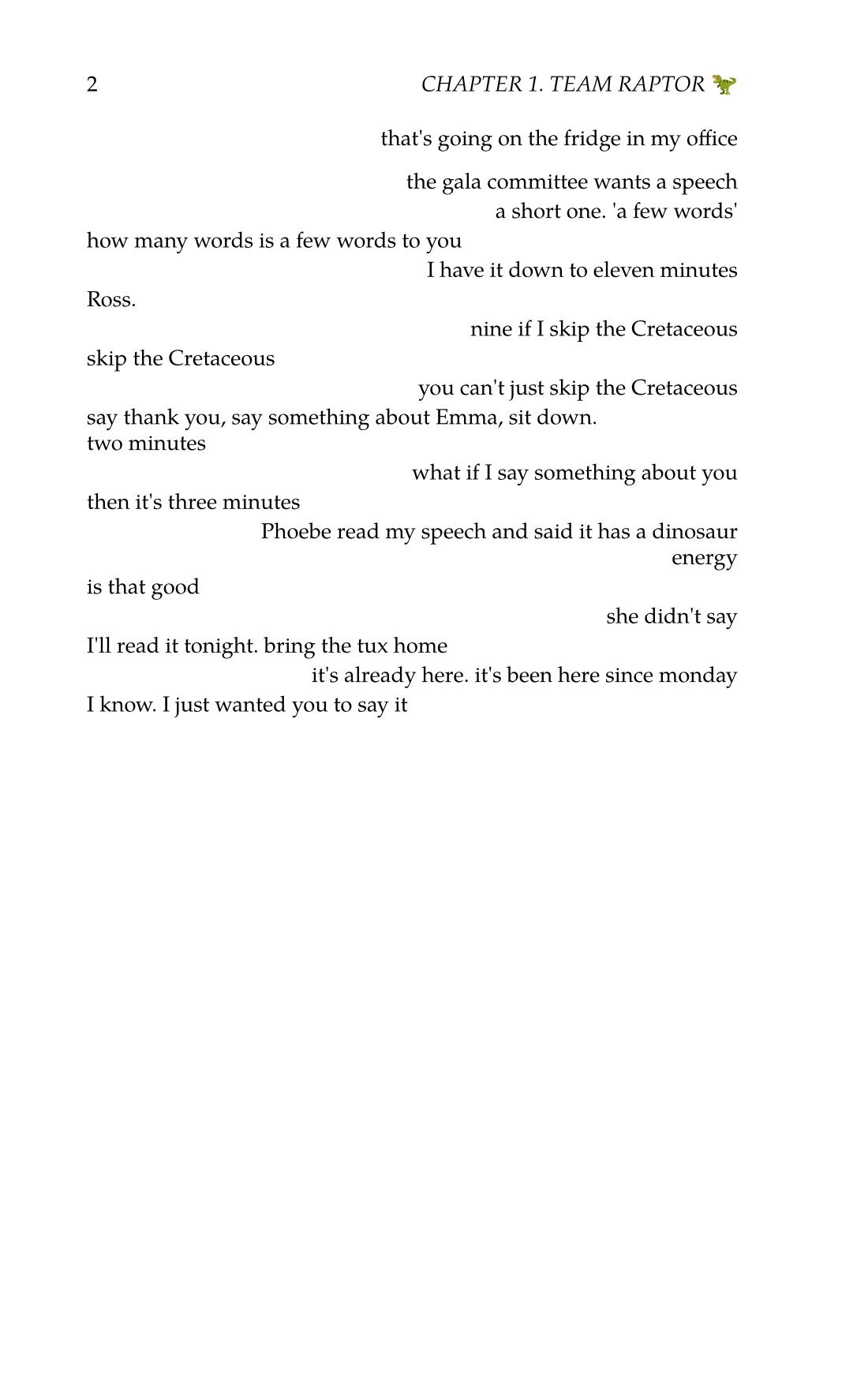
Read Receipts sets a conversation as a paperback, with chapters, a dedication and page numbers: from Messages on your Mac, or from WhatsApp, Telegram and most other chat apps on this site. Every message is printed as it was sent.
How it works
-
Choose the person
The Mac app lists your conversations, with how many messages each one holds and how far back it goes. Anywhere else, upload the export your chat app makes.
-
Choose the stretch
From the first message to last week, or one summer. The page count changes as you move the dates, so you know how thick the book will be.
-
Make it yours
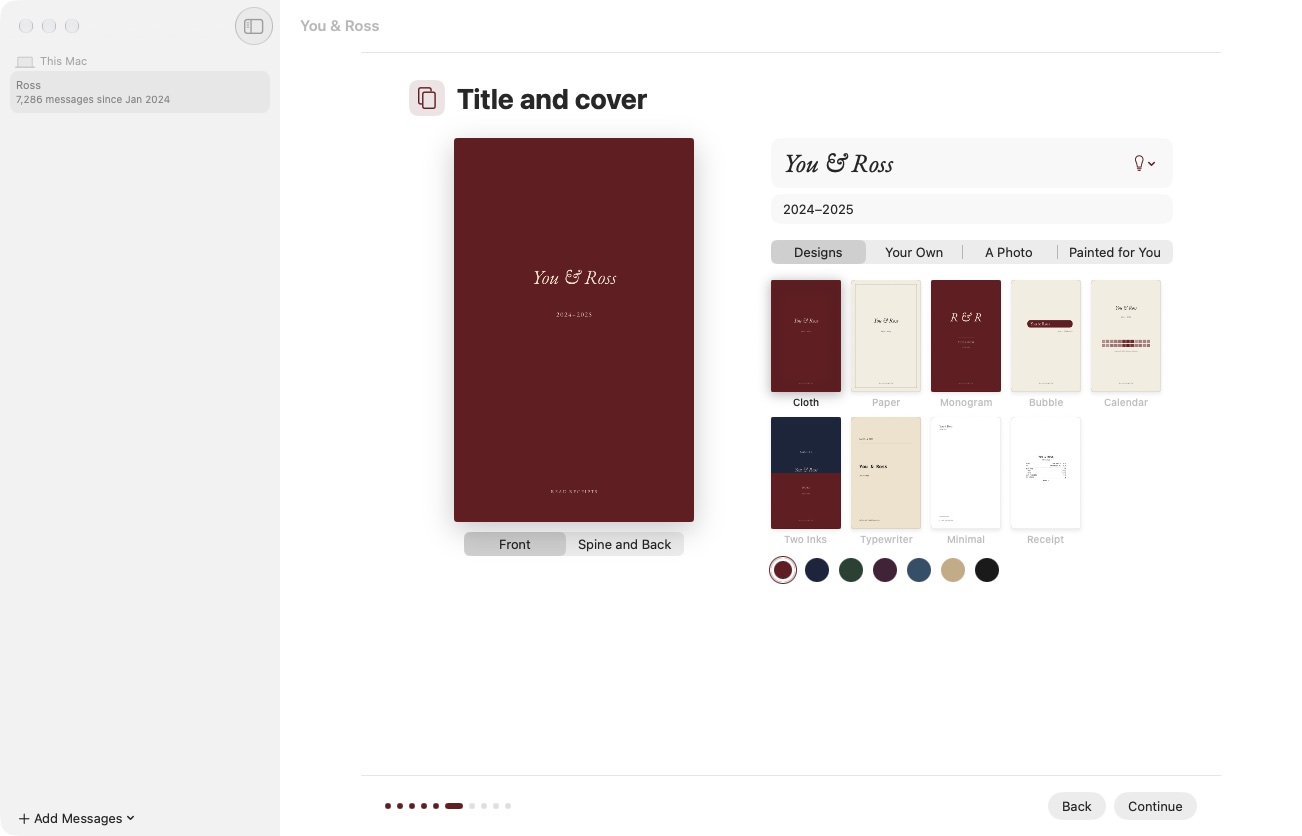
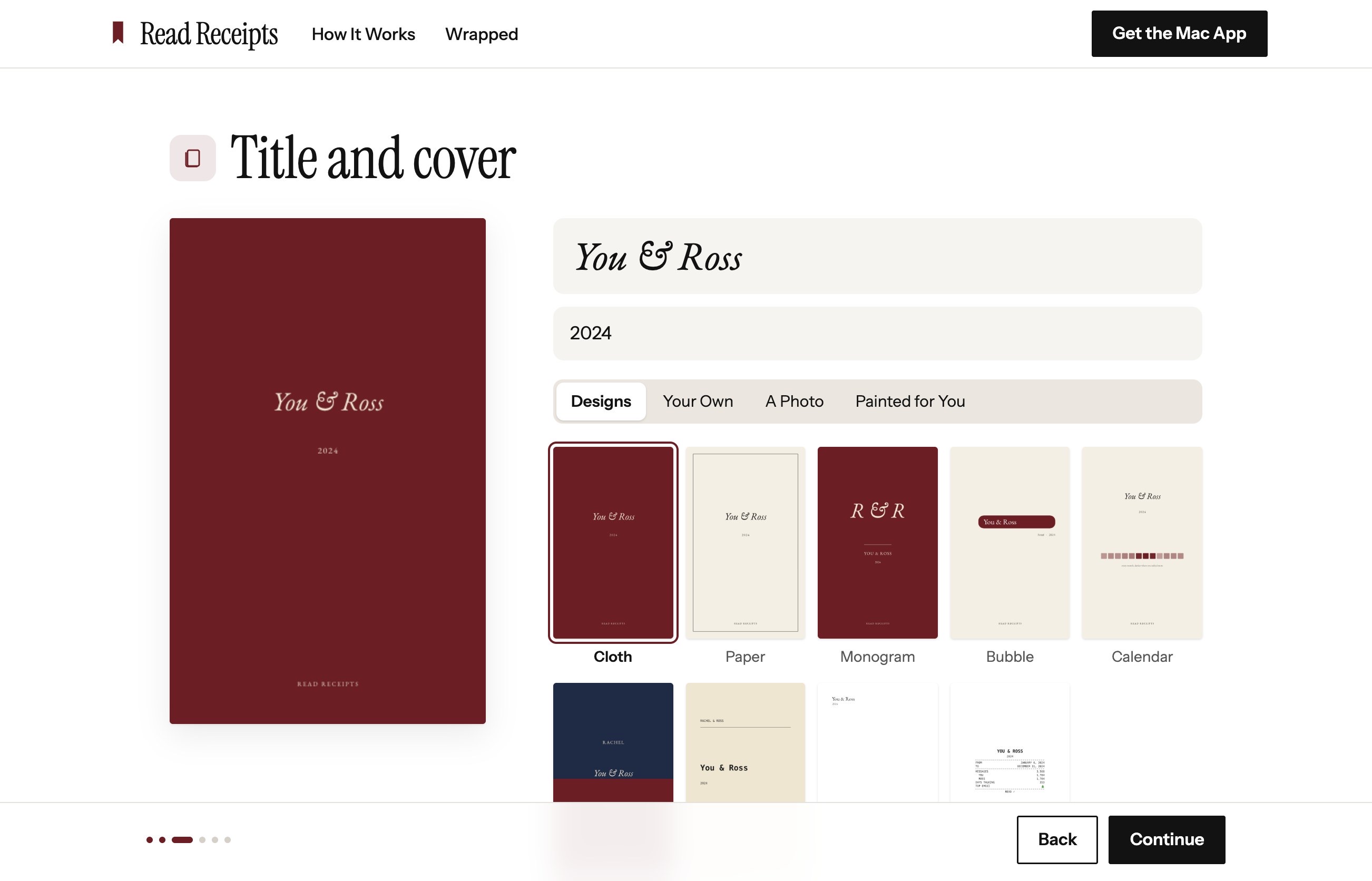
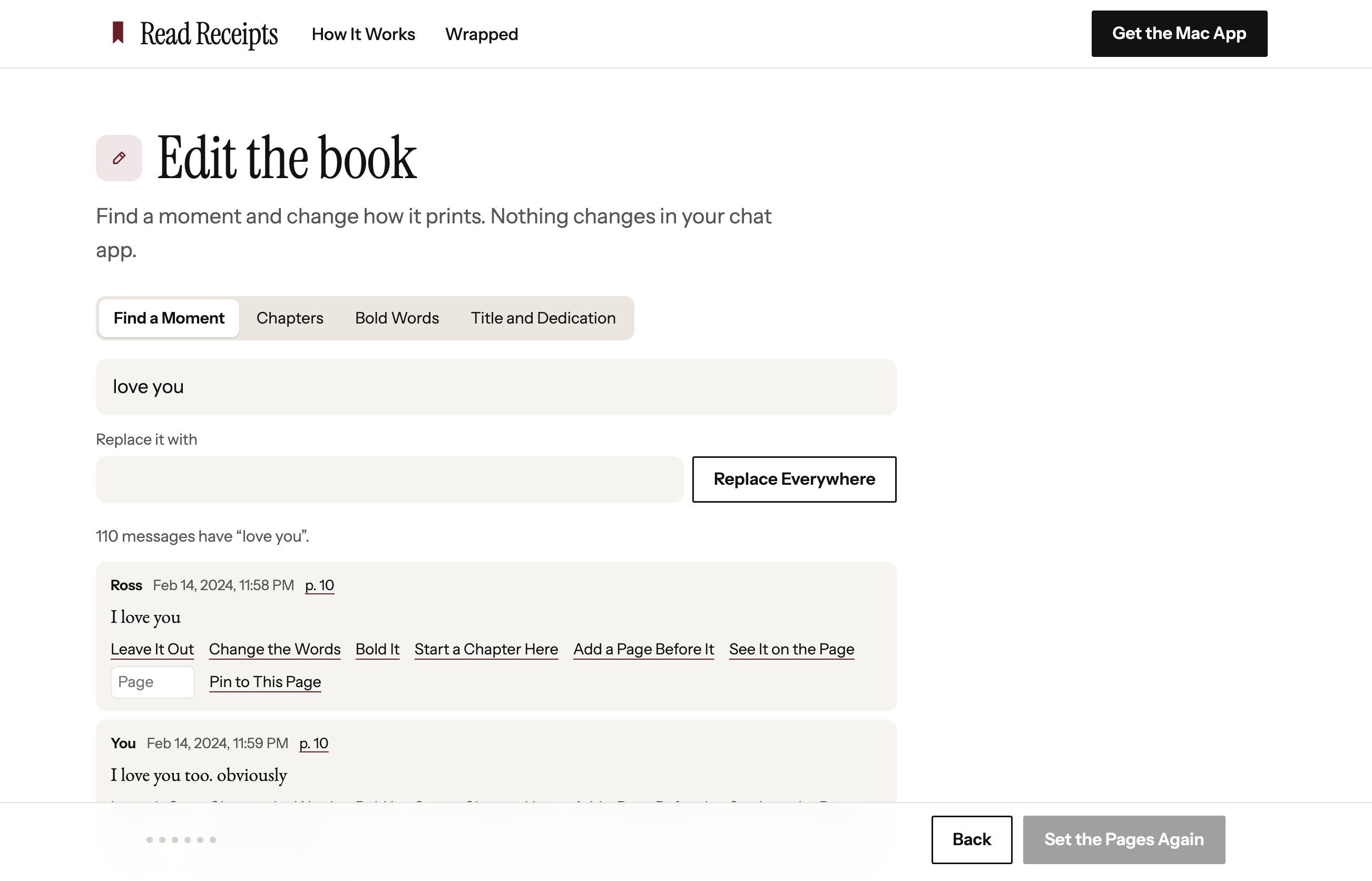
Give it a title and a dedication, name the chapters, and leave out anything you'd rather not see in print.
-
Order a copy
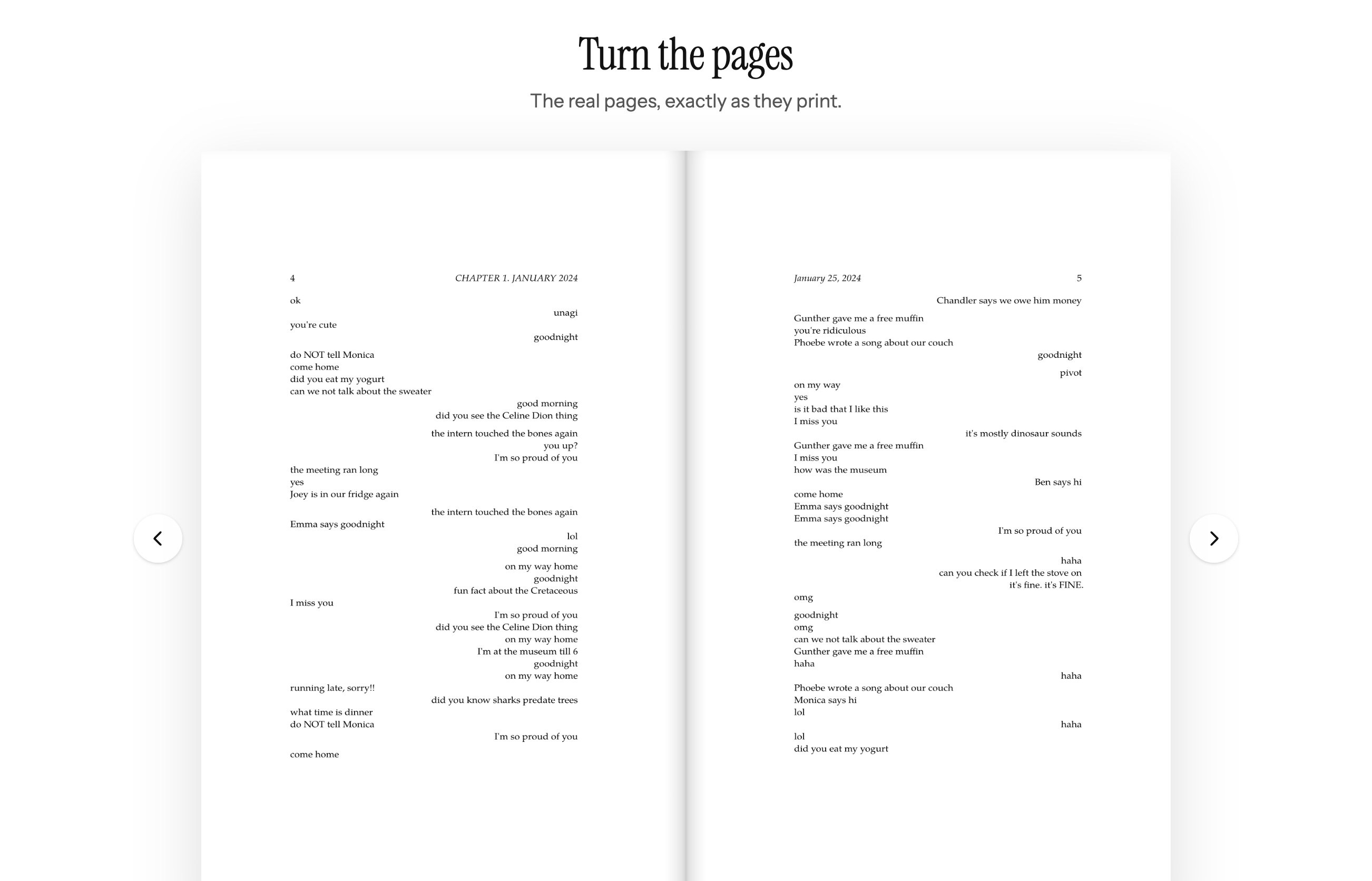
Flip through every page before you pay. Then it's printed as a paperback and sent to you, or to them.
For Valentine's Day, order by Monday, January 25 with free shipping, or by Thursday, February 4 with express. After that, give a gift card. It's ready to print as soon as you pay.
The Mac app
These are screens from the real app, reading Ross and Rachel's made-up conversation.
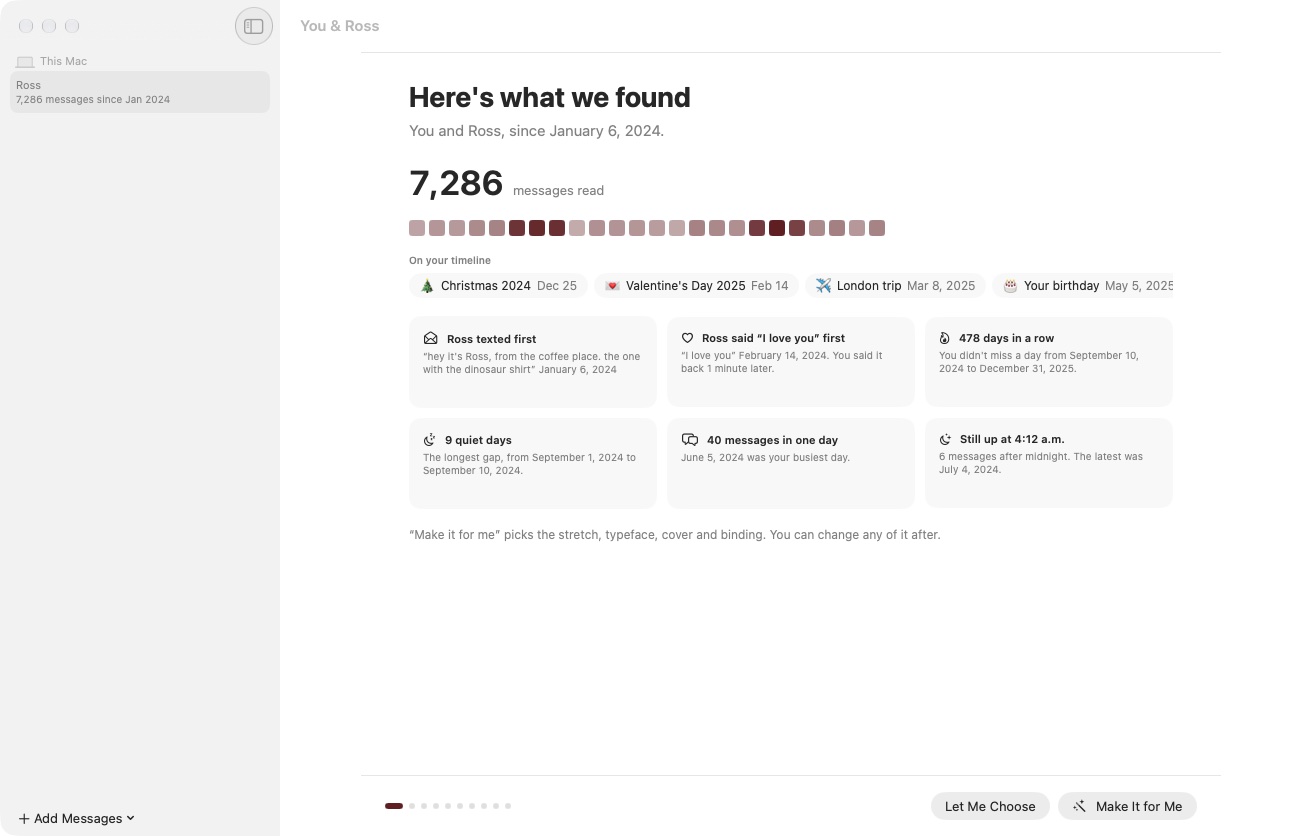
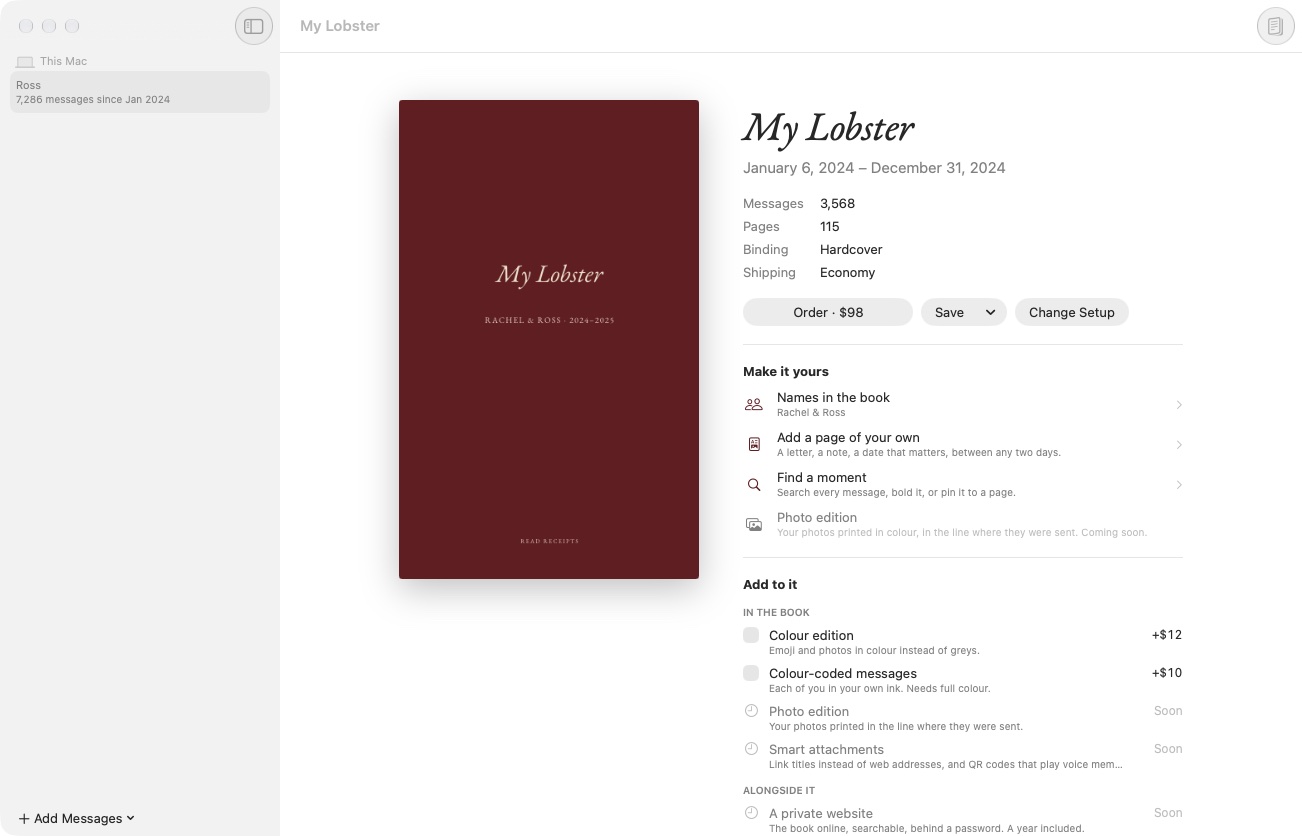
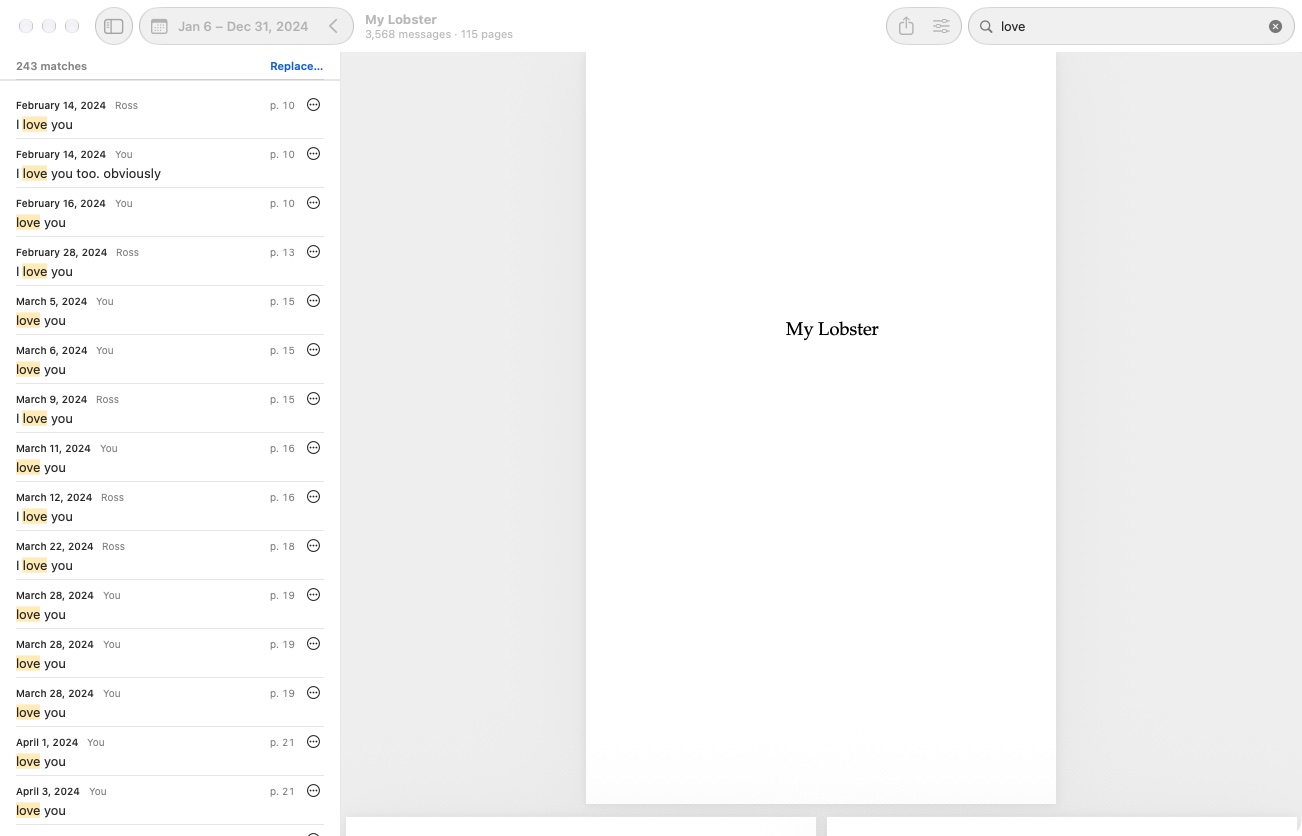
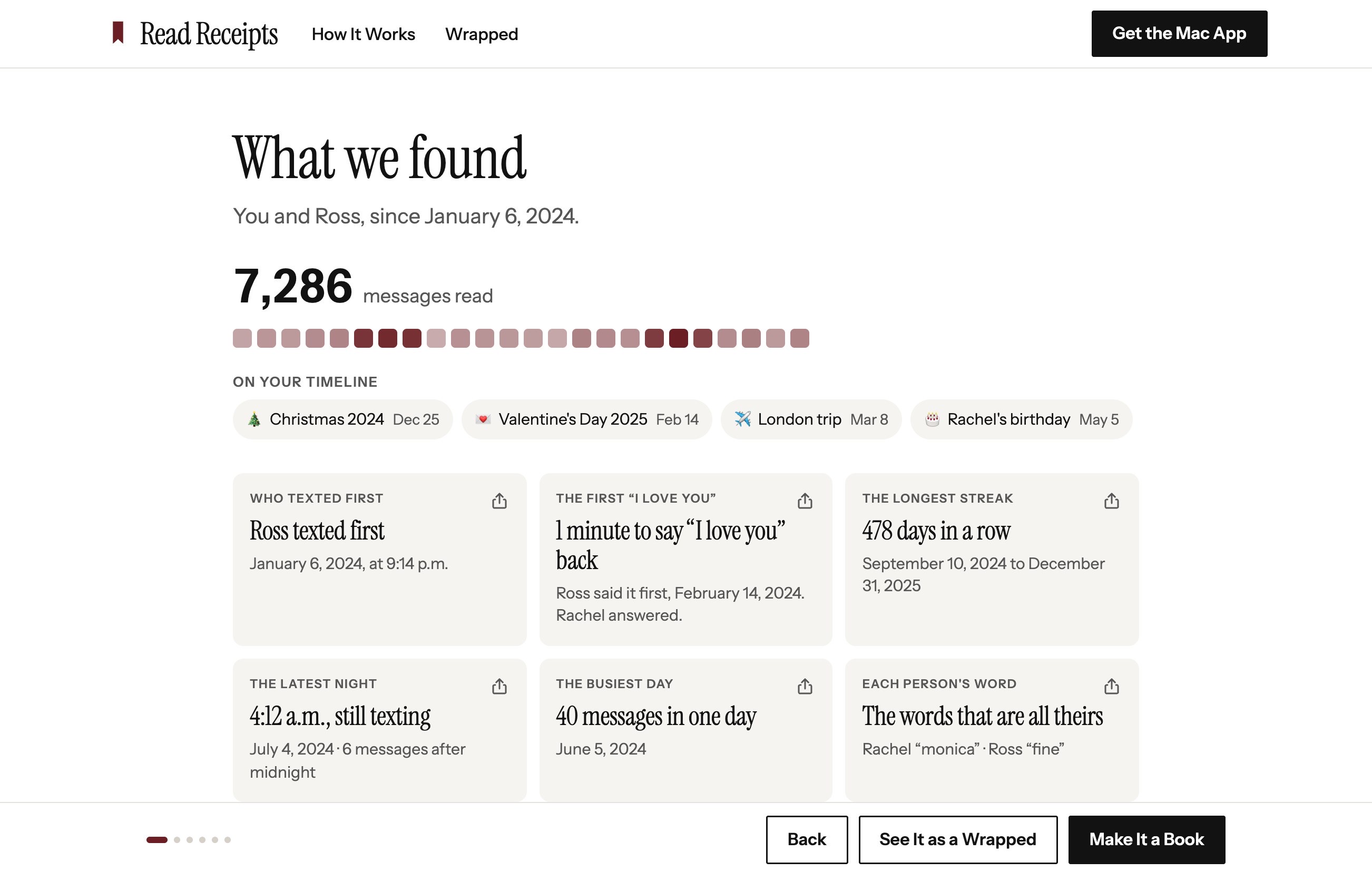
The app also makes a free Wrapped of any conversation, with cards and a short video of who texted first, your longest streak and the latest night. See the cards.
Find the day it started
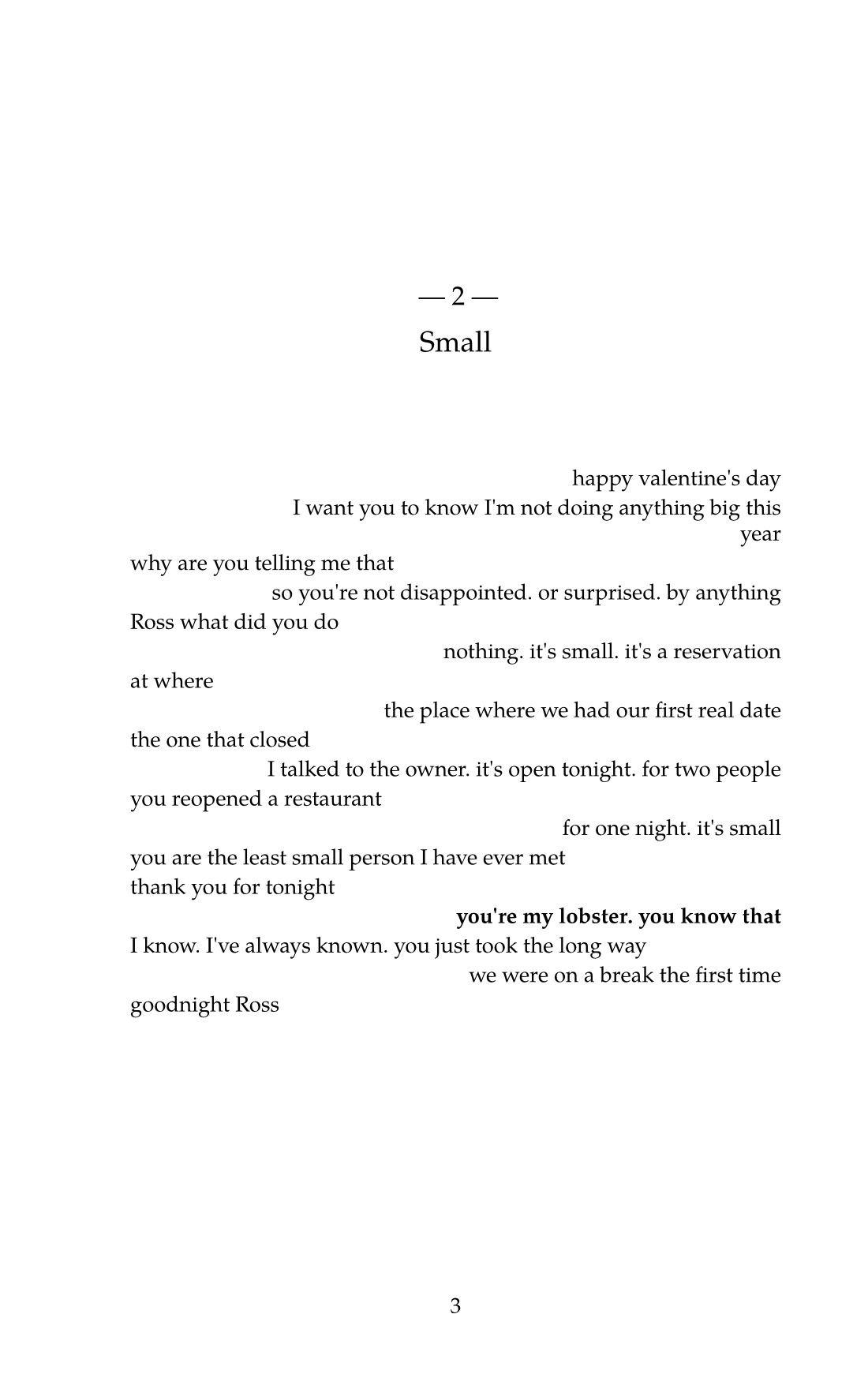
Search everything you've sent each other. Start the book on the first message, end it the night you moved in, or put the night he called you his lobster on page 143 if that's your number. Read Receipts adds blank pages before it so it lands there.
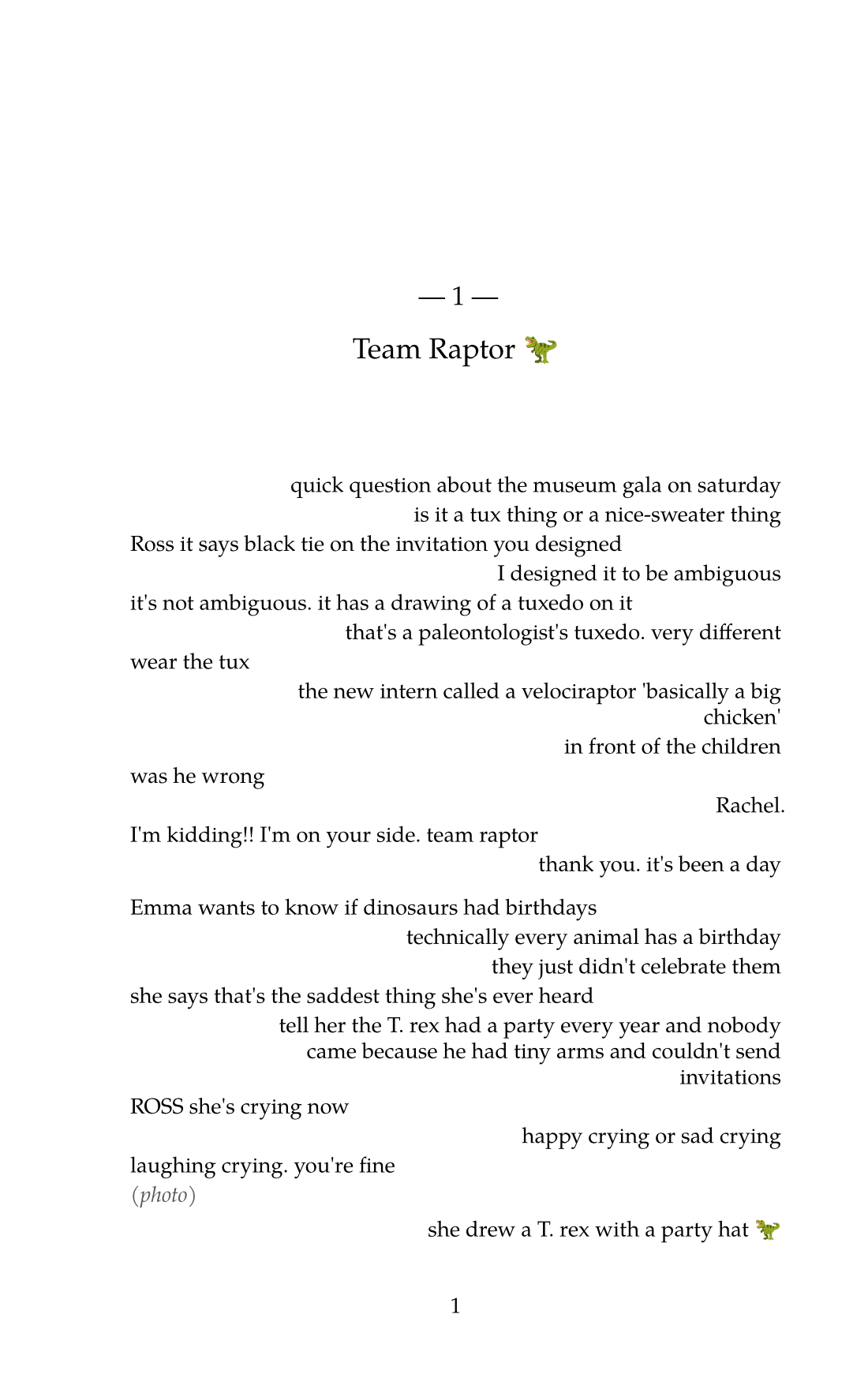
you're my lobster. you know that
Phoebe says lobsters mate for life and she's never been wrong about an animal
Emma asked why I call you my lobster and I panicked and said it's a dinosaur thing
Every word where you want it
Let each month be a chapter, or start your own wherever the story turns, emoji and all. Set a word in bold every time it comes up. Write the dedication on its own page. A message you leave out disappears without a gap.
On this site
Without a Mac, or for a chat on WhatsApp, upload the export and make the same book here. These screens are the site itself, with the same made-up conversation.
Your messages stay on your Mac
Read Receipts reads Messages on your Mac and makes the book there. When you order, we receive the finished book and nothing else from your history. Without a Mac, you can make the book on this site from a chat export: we keep that conversation's messages encrypted while it's made and for 30 days after, then delete them, or sooner if you ask.
Get an email when it's ready
Read Receipts runs on macOS 26 or later. We're printing our own books with it first. Leave your email and we'll write when you can download it.
We'll only email you about Read Receipts. Privacy policy